Deal Watch
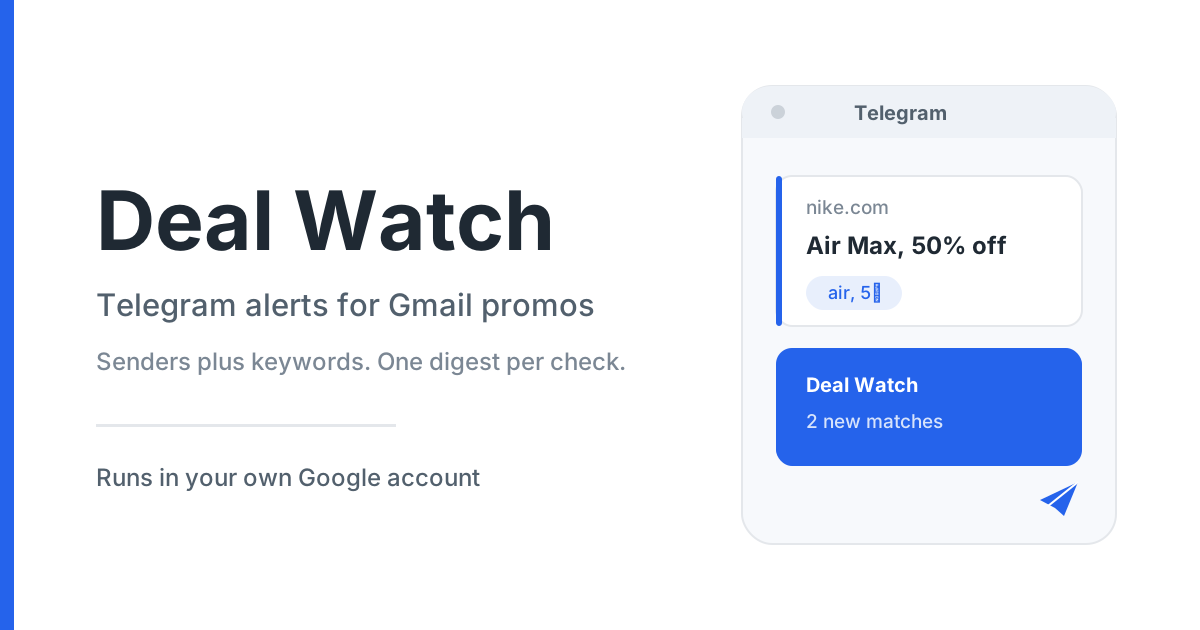
Get a Telegram message when a promotion email that matches your keywords lands in your Gmail inbox.
What it does
-
Watch chosen senders
A whole domain such as
xxx.com, or a single address such asabc@xxx.com. -
Match your keywords
Comma-separated keywords work as OR. Put a phrase in quotes to match it exactly.
-
One digest per check
Matches are grouped per email thread with the subject, date, and a link straight to the thread.
-
Button-first Telegram
Add rules, change the check interval, and read status by tapping buttons. Typing is only a fallback.
How it works
- You copy a Google Sheet template and set it up in your own Google account.
- Your Gmail is checked on a schedule (15 minutes to 12 hours) for emails from your senders that contain your keywords.
- Matches are collapsed into a single digest, grouped per thread.
- Deal Watch sends that digest to your Telegram chat. Nothing found means no message.
No server, no database, no third-party service
Deal Watch runs inside your own Google account as an Apps Script bound to your own Sheet. Your bot token and optional OpenRouter key stay in your account and are never sent anywhere else.
What you need
- A Google account with Gmail.
- A Telegram account.
- A bot created in Telegram's BotFather (a few taps — the setup guide walks you through it).
- About 15 minutes.
- Optional: an OpenRouter account and API key, only if you want the AI keyword-idea helper.